 AURA AGRO IA
Help · Animal health
Each animal’s QR code: what it is and how to use it
A code you stick on or print. Anyone who scans it with a phone camera sees the animal’s history: species, breed, vaccines, treatments and weigh-ins.
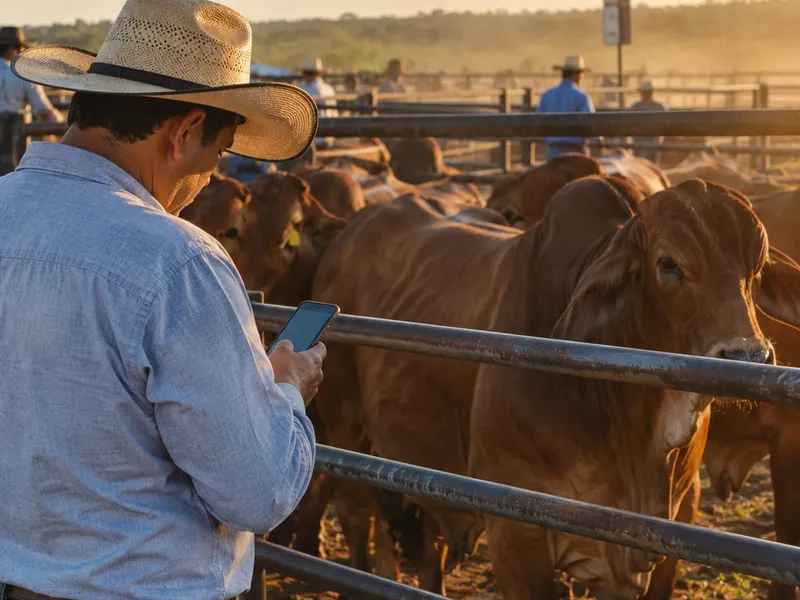
What you need: The Pro plan to create the QR. Scanning it needs nothing: any phone with a camera.
Step by step
- Open Animals and go into the animal’s record.
- Tap QR.
- Tap Generate QR.
- Share it on WhatsApp, or save it to print and keep with the animal.
What the person scanning sees
An AURA page with the animal’s record (species, breed, sex, status, birth date and ear tag) and its vaccines, treatments and weigh-ins. It does not show your personal data or your farm’s. See an example.
To read a QR from the app
In the Traceability module, scan the code and the animal’s history opens.
What does your country require to identify cattle? See livestock ID rules by country.
Updated October 20, 2026.
Try it on your farm
Free to start. On your phone and your computer, with the same account.