 AURA AGRO IA
Help · Animal health
How to record vaccines and have AURA remind you of the next dose
What was vaccinated, when, with which lot, and when the next one is due. AURA reminds you a week before the booster.
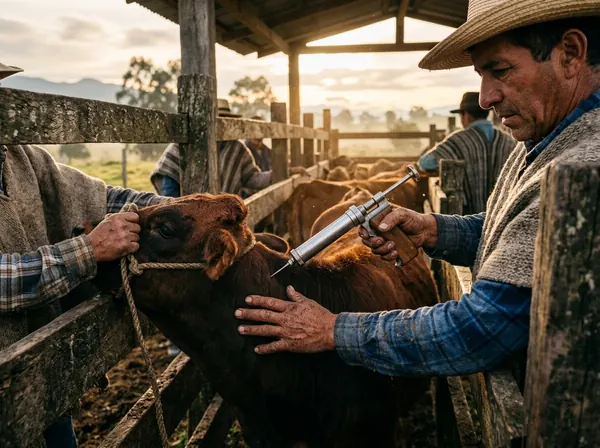
What you need: Your animals registered in AURA, and version 10.8.1 or newer so each vaccine goes into the animal’s record.
Step by step
- Open the Vaccines module.
- Tap Record vaccine.
- Type the animal’s name or ear tag and tap it among the ones AURA suggests: that way the vaccine goes into its record. Then choose the vaccine from the list or type another.
- Enter the application date, the dose, the route, the lot number and the veterinarian, if you have one.
- If the vaccine has withdrawal days for milk or meat, mark them: the vaccine is recorded as “in withdrawal”.
- Under Next dose, choose when the booster is due. AURA will remind you a week before.
- Tap Record vaccination.
Vaccinating a whole group?
Do not do it animal by animal in this form: use chute work. You type the vaccine once and run the animals through.
Where do I see it later?
In the Applied tab of Vaccines, the next doses under Pending, and in each animal’s record, together with the ones you recorded in the chute or from the record itself.
Updated October 20, 2026.
Try it on your farm
Free to start. On your phone and your computer, with the same account.