 AURA AGRO IA
Help · Getting started
How to use AURA on the computer
The same account and the same data as on your phone, on a big screen. Good for loading Excel, going over the numbers or printing.
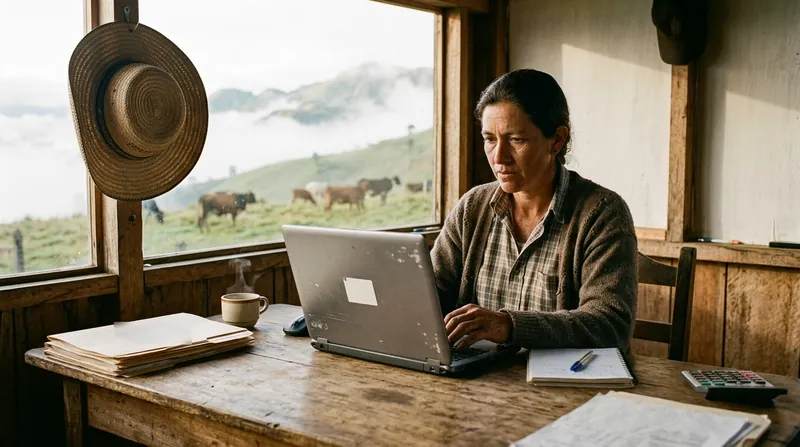
What you need: A computer with Chrome, Edge or another modern browser, and your AURA account. It works on every plan, including the free one.
Step by step
- Open auraagroia.com/app in your browser.
- Sign in with Google, using the same account as on your phone, or with your email and password.
- That’s it: you see your animals, your milk, your accounts and every module, just like on the phone.
What is worth doing on the computer
- Bring your herd in from Excel.
- Go over Finances, Sales and the reports calmly.
- Measure your paddocks on the satellite map, on a big screen.
What you record on one shows up on the other. If you sign in with Google on the phone, sign in with Google on the computer too: it is the same account.
Updated October 20, 2026.
Try it on your farm
Free to start. On your phone and your computer, with the same account.