 AURA AGRO IA
On iPhone · No App Store
AURA on your iPhone, without the App Store.
AURA is not in Apple’s App Store yet. On the iPhone it opens in Safari and stays on your Home Screen with its icon, like any app. It is the same AURA as on Android and the computer, with the same account.
Open AURA on your iPhone See how it works, no account needed
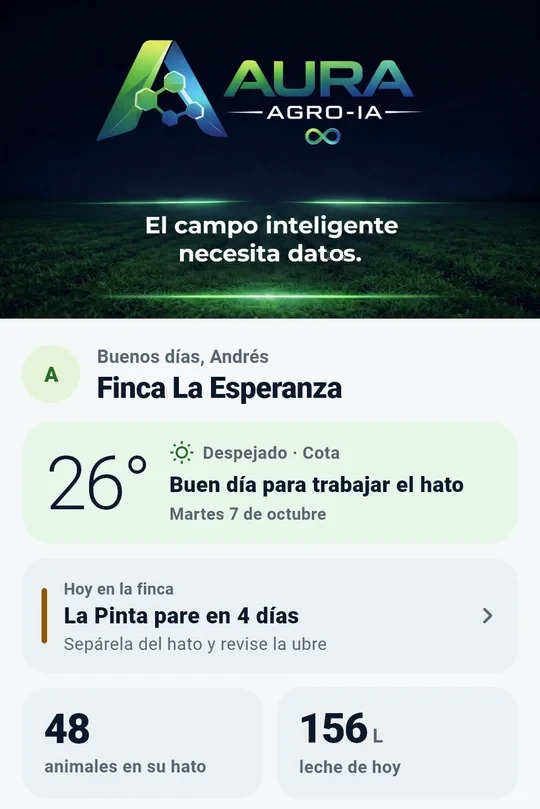
How to install it, in 4 steps
- Open it in SafariTap “Open AURA on your iPhone” on this page, or type auraagroia.com/app in Safari.
- Tap Share It is the square with the arrow pointing up: at the bottom center of the screen (on iPad, top right).
- “Add to Home Screen” Scroll down the menu a little, tap it, then tap “Add” at the top right.
- Open it from its iconAURA’s icon sits next to your other apps and opens in its own window. Sign in with your email and password, or with Google.
What you need
- An iPhone or iPad with iOS 16.4 or newer.
- Safari to install it. On recent iPhones Chrome works too, with the same Share button.
- Internet to open it.
What you don’t need
- The App Store or an Apple account with a card.
- To download files: Safari puts it on your Home Screen.
- A credit card to start.
How to pay from the iPhone
- Most countries: USDT or bank transfer with invoice.
- Colombia: Nequi, Bre-B, PSE or bank transfer.
- Venezuela: Pago Móvil or USDT.
You pay, send the receipt from the app, and the plan is turned on in your account as soon as we confirm the payment. See the prices for your country in Plans.
If signing in with Google from the icon does not return you to AURA, sign in with your email and password, or message us on WhatsApp and we will help.
Open AURA on your iPhone
Free to start, up to 50 animals. No App Store and no card.